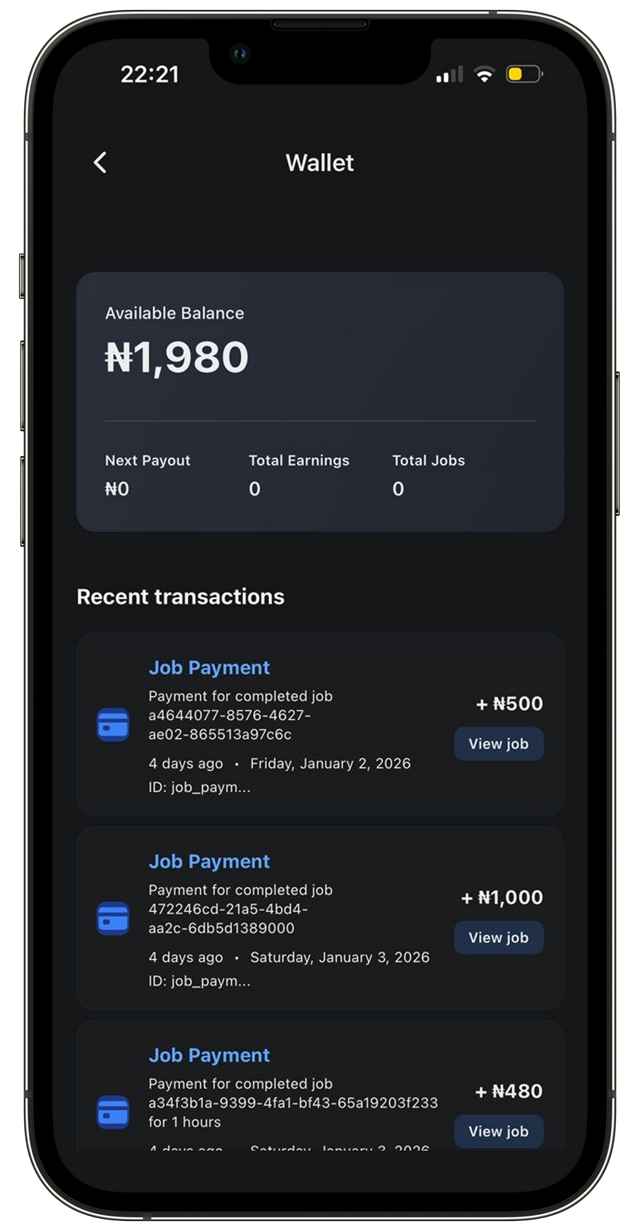
Getting Started:
Download the SHUB CONNECT App from Apple Store or Google Play, Immediately sign up, complete the onboarding process and request an Interview.
Download App
At SHUB CONNECT, we provide jobseekers with the flexibility and connections they deserve, to find temporary work that meets their needs, through the convenience of their mobile.
Download the SHUB CONNECT App from Apple Store or Google Play, Immediately sign up, complete the onboarding process and request an Interview.
Download AppBook your one-time interview. You’ll become verified to use the SHUB CONNECT platform in unlocking a wide range of flexible job opportunities and get paid weekly
Download App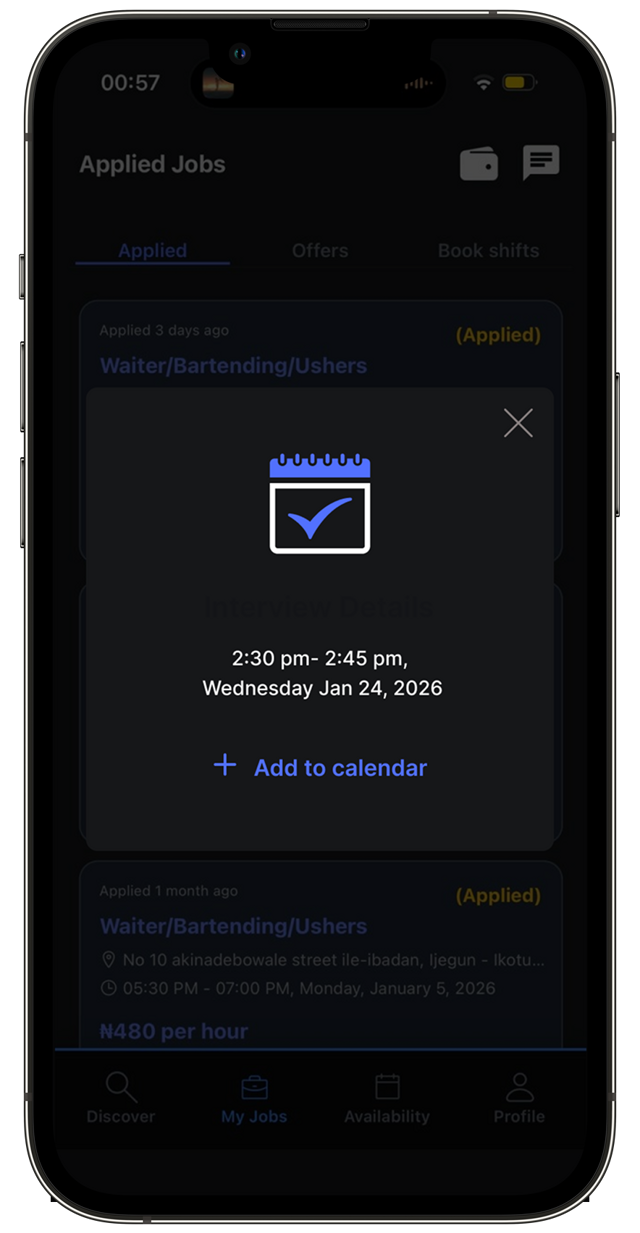
As a verified connector, you are now able to discover open jobs and apply, get offers and accept offers. Finally, you’re able to Clock-in, Clock-out and complete booked shifts.
Download App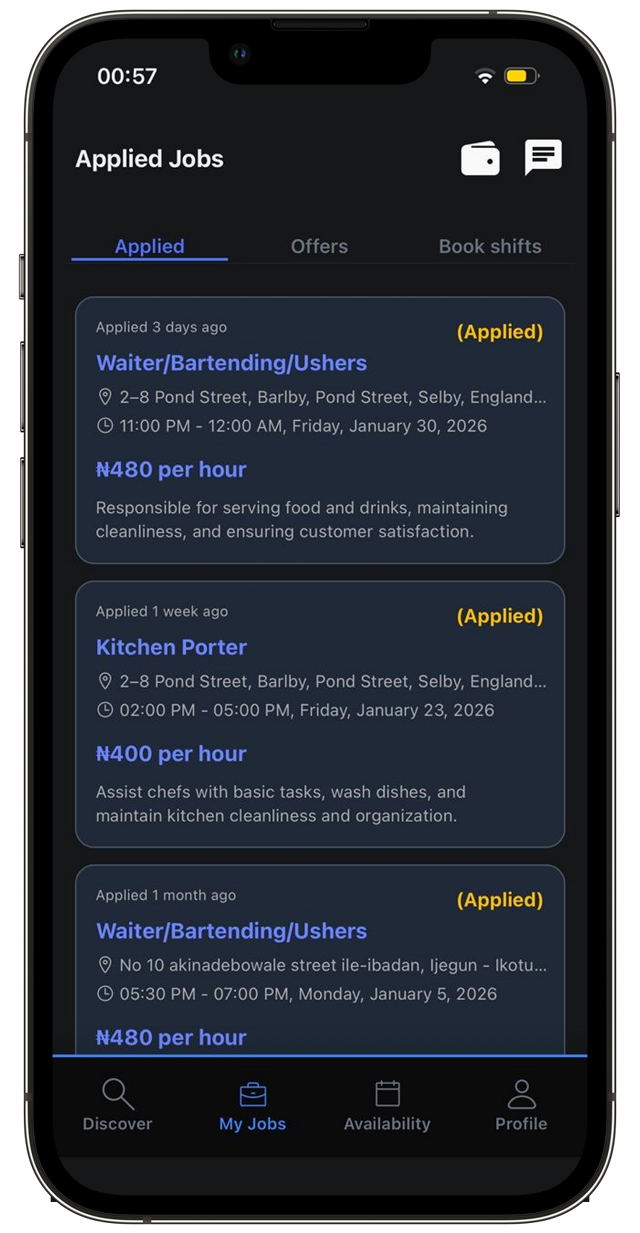
Getting Paid: To ensure you get paid accurately, you must do the following: - Save a valid Payment Information in profile - Check-in, Check-out and complete job for every shift - Saturday to Friday earnings are paid to your saved payment information every Friday
Download App